
SpreadSimple job board
SpreadSimple turns a Google Sheet into a hosted website. Its job board template suits small curated boards that one editor keeps up to date.
Introduction
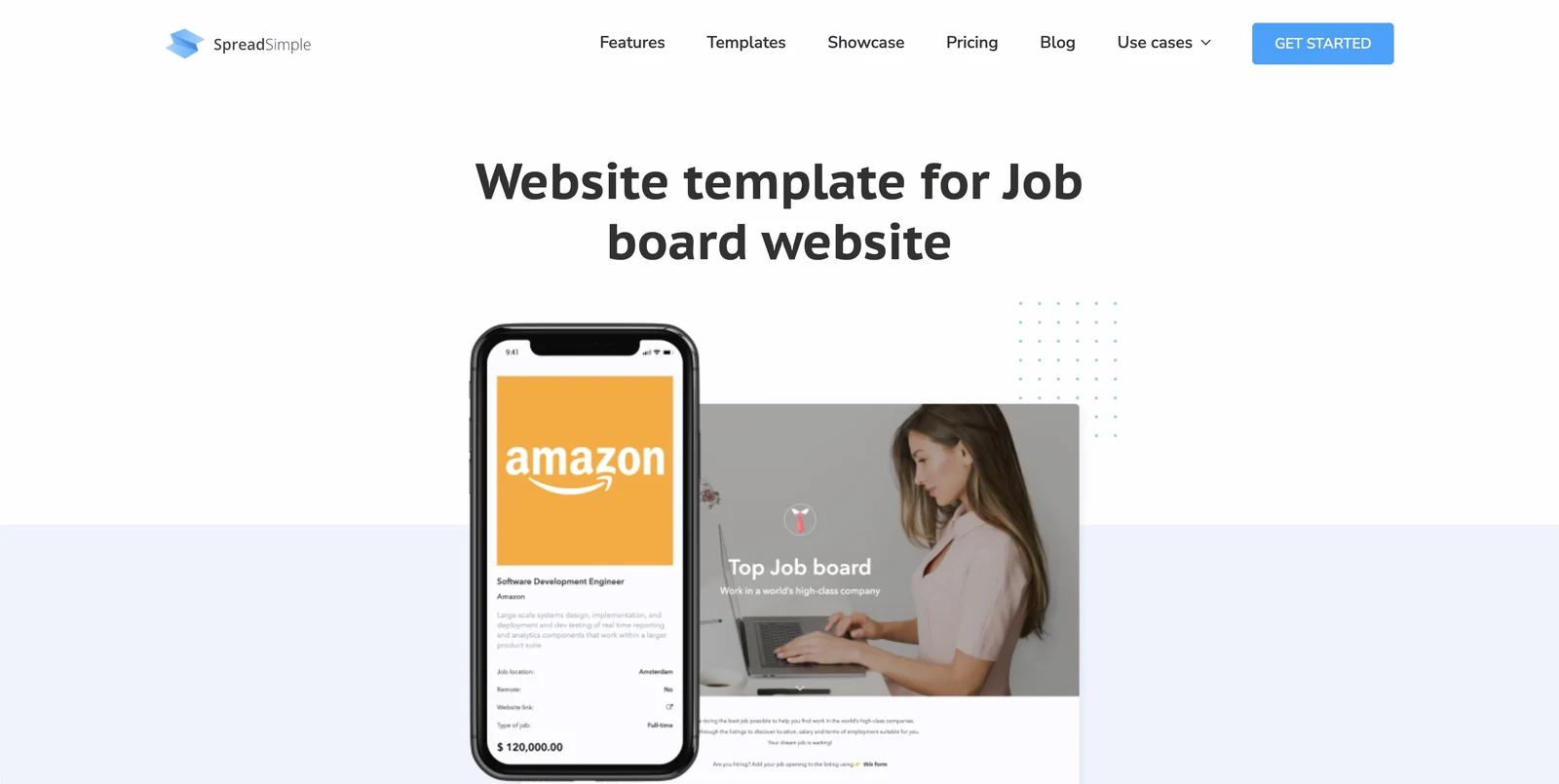
SpreadSimple builds a hosted website from a Google Sheet. Each row becomes a card, and the columns drive filters, search and sorting. The job board template is a sheet you copy, with a list layout, six filters, search and pagination already set up. You edit jobs in the sheet and the site follows, so anyone who can use Google Sheets can update the board.
It is a general website builder, not job board software. There are no employer accounts, no job expiry and no checkout made for job posts. Visitors can send listings through a form, and a sheet formula can hold them back until you approve them. It fits a curated list better than a marketplace where employers pay and post on their own.
Who it’s for
A good fit if
- Editors who already track jobs in a Google Sheet and want them online quickly.
- Small curated boards where one person adds and removes every listing.
- Testing a niche before paying for full job board software.
Look elsewhere if
- Boards that want employers to pay for and publish their own posts.
- Sites that need job alerts or candidate accounts.
- Anyone who needs Google for Jobs markup, which SpreadSimple does not mention.
Features
Posting and moderation
- Jobs are rows in a Google Sheet, and edits there update the site.
- An optional form lets visitors submit listings.
- A sheet formula can keep submissions hidden until you approve them.
Candidate features
- Search, six filters, sorting and pagination in the template.
- Detail pages for listings that need more room than a card.
- No candidate accounts or job alerts; email tools such as Mailchimp or MailerLite can collect newsletter sign-ups.
SEO and domain
- Custom domain, branding removal and SEO settings start on the Starter plan.
- Free sites use a SpreadSimple domain and are hidden from search engines.
- Meta tags, sitemap, robots.txt and redirect rules are listed in the feature table.
- No mention of JobPosting structured data for Google for Jobs.
Integrations
- Analytics, webhooks and automation through Zapier, Make, Pabbly or Albato.
- Live payments through Stripe, PayPal and others from the Business plan, built for selling items rather than job posts.
Pricing
The Free plan allows three sites with 50 rows each, with SpreadSimple branding and no search engine visibility. Each paid license covers one site; the prices below are billed annually, and monthly billing costs more. A 14-day trial covers paid features.
| Plan | Price | What you get |
|---|---|---|
| Free | $0 | 50 sheet rows, SpreadSimple branding and domain, hidden from search engines. |
| Starter | $12.90/month billed annually ($17.90 billed monthly) | 500 rows, custom domain, branding removed, SEO settings. |
| Business | $13.90/month billed annually ($19.90 billed monthly) | 5,000 rows, payments and 30+ extensions. |
| Connect | $20.90/month billed annually ($29.90 billed monthly) | 10,000 rows, customer accounts and user groups (beta). |
Also budget for
- Domain name registration.
- Payment provider fees if you take payments.
- Paid plans of any tools you connect, such as Zapier or an email service.
Prices as published by SpreadSimple job board on November 25, 2026. Vendors change their plans often, so check the current pricing before you buy.
Pros and cons
Advantages
- Editing a spreadsheet is a workflow most teams already know.
- The Free plan is enough to build and test a board before paying.
- Paid plans cost little for a single site.
- User submissions can be approved inside the sheet.
Drawbacks
- No job-specific features such as expiry, employer accounts or paid posting.
- Free sites are hidden from search engines.
- Row limits (500 on Starter) cap how many jobs stay online.
- Each paid license covers only one website.