
Supersparks Webflow template
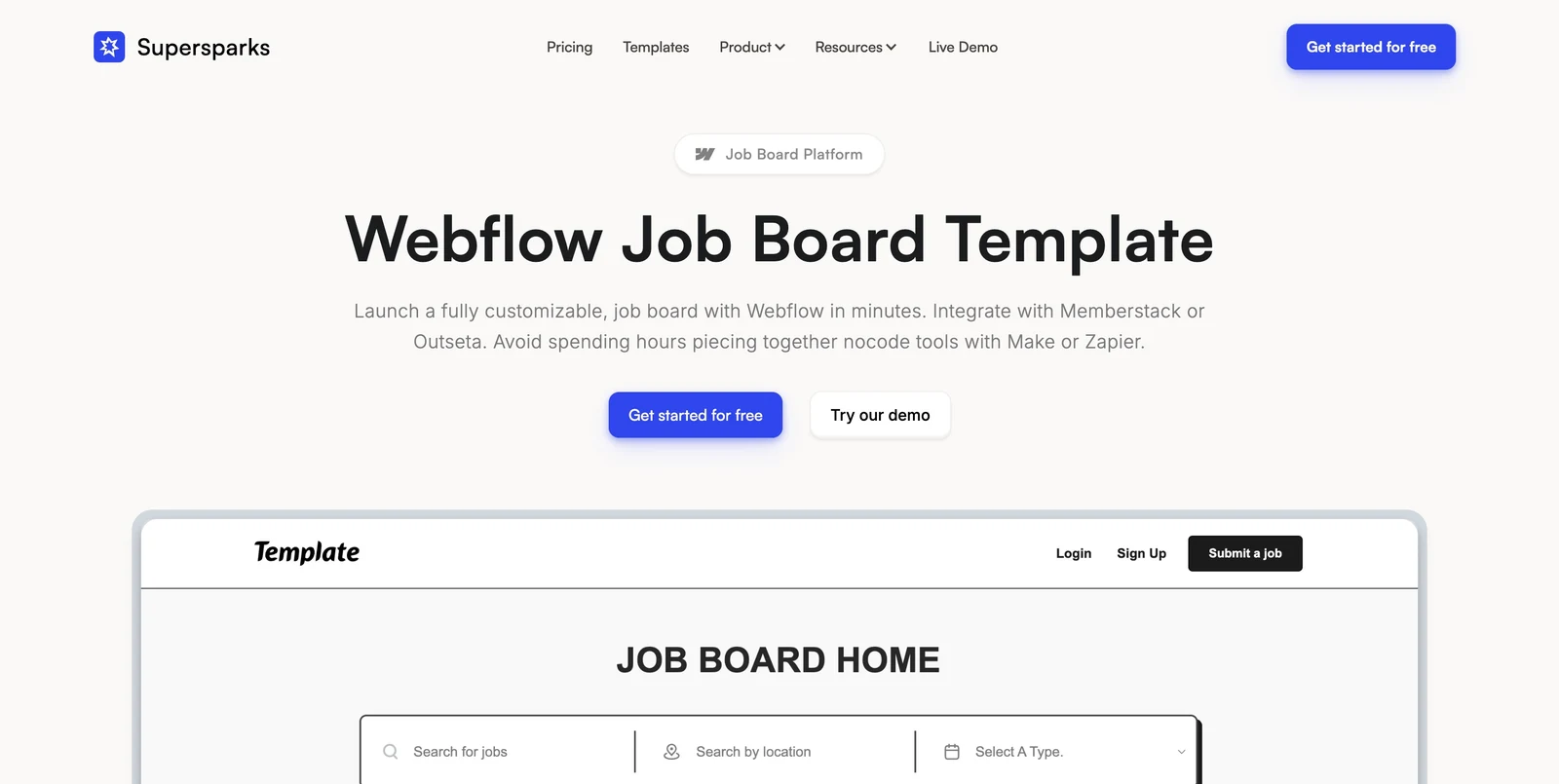
Supersparks offers a free Webflow job board cloneable where members or guests post jobs into the CMS, with Memberstack or Outseta for logins.
Introduction
Supersparks sells Webflow add-ons for user content: posting, comments, reviews and upvotes. Its job board template is a free Webflow cloneable in four versions: one for Memberstack, one for Outseta, one for guest posting only, and a stripped version to add to an existing Webflow site. The Supersparks app turns a submission form into a new CMS item with its own page.
For a job board, employers can post without you copying jobs by hand, and pre-moderation lets you approve each post first. Logins and author details come from Memberstack or Outseta, which you pay for separately. Supersparks does not take payments, so charging employers happens in your membership tool or elsewhere. The app is free on a webflow.io address and needs a paid plan on your own domain.
Who it’s for
A good fit if
- Webflow users who want employers to post jobs straight into the CMS.
- Boards that already use Memberstack or Outseta for logins.
- Community sites that also want comments, reviews or upvotes on jobs.
Look elsewhere if
- Anyone who does not want to work in Webflow.
- Exported or self-hosted Webflow sites, where posting does not work.
- Boards that need job imports, alerts or Google for Jobs markup out of the box.
Features
Posting and moderation
- A form with a rich text editor creates a Webflow CMS item and page for each post.
- Guest posting, or member posting through Memberstack or Outseta.
- Pre-moderation: auto-approve or approve each new post by hand.
- A dashboard to review submissions, plus reply and topic follower notifications.
Charging employers
- No payment feature in Supersparks itself.
- Memberstack sells its own version of the template with logins and monetization built in.
Design and setup
- Four cloneables on the Webflow showcase, free to copy.
- Step-by-step installer and over 40 optional settings for posting.
- Done-for-you setup for a one-time fee of $75 to $250.
Integrations
- Memberstack or Outseta for accounts and author profiles.
- Comments and reviews from the same app, with upvoting on paid plans.
Pricing
The template is free to clone. Supersparks is free on a webflow.io staging address; a custom domain needs a paid plan, priced by monthly page views, with a 7-day free trial. Budget for a Webflow CMS site plan and, if employers log in, a Memberstack or Outseta subscription.
| Plan | Price | What you get |
|---|---|---|
| Staging | $0 | webflow.io domain only, 1k page views per month. |
| Basic | $14/month billed annually ($19 billed monthly) | Custom domain, 10k page views per month. |
| Pro | $29/month billed annually ($39 billed monthly) | 50k page views per month. |
| Premium | $52/month billed annually ($69 billed monthly) | 300k page views per month. |
| Supreme | $109/month billed annually ($149 billed monthly) | Highest traffic tier; the page lists both 1.5M and 2M page views per month. |
Also budget for
- Webflow site plan with CMS for a custom domain: Premium, from $25/month billed yearly.
- Memberstack or Outseta subscription for member accounts.
- Optional setup service, $75 to $250 one time.
Prices as published by Supersparks Webflow template on November 25, 2026. Vendors change their plans often, so check the current pricing before you buy.
Pros and cons
Advantages
- Employer submissions reach the Webflow CMS without Zapier or Make.
- Pre-moderation and a moderation dashboard are built in.
- Free to build and test on a staging domain.
- Several versions to match your membership tool.
Drawbacks
- Running one board can mean paying Webflow, Supersparks and a membership tool.
- No native way to charge employers.
- The template page is thin, with placeholder text and an empty features list.
- Posting does not work on exported, self-hosted Webflow sites.